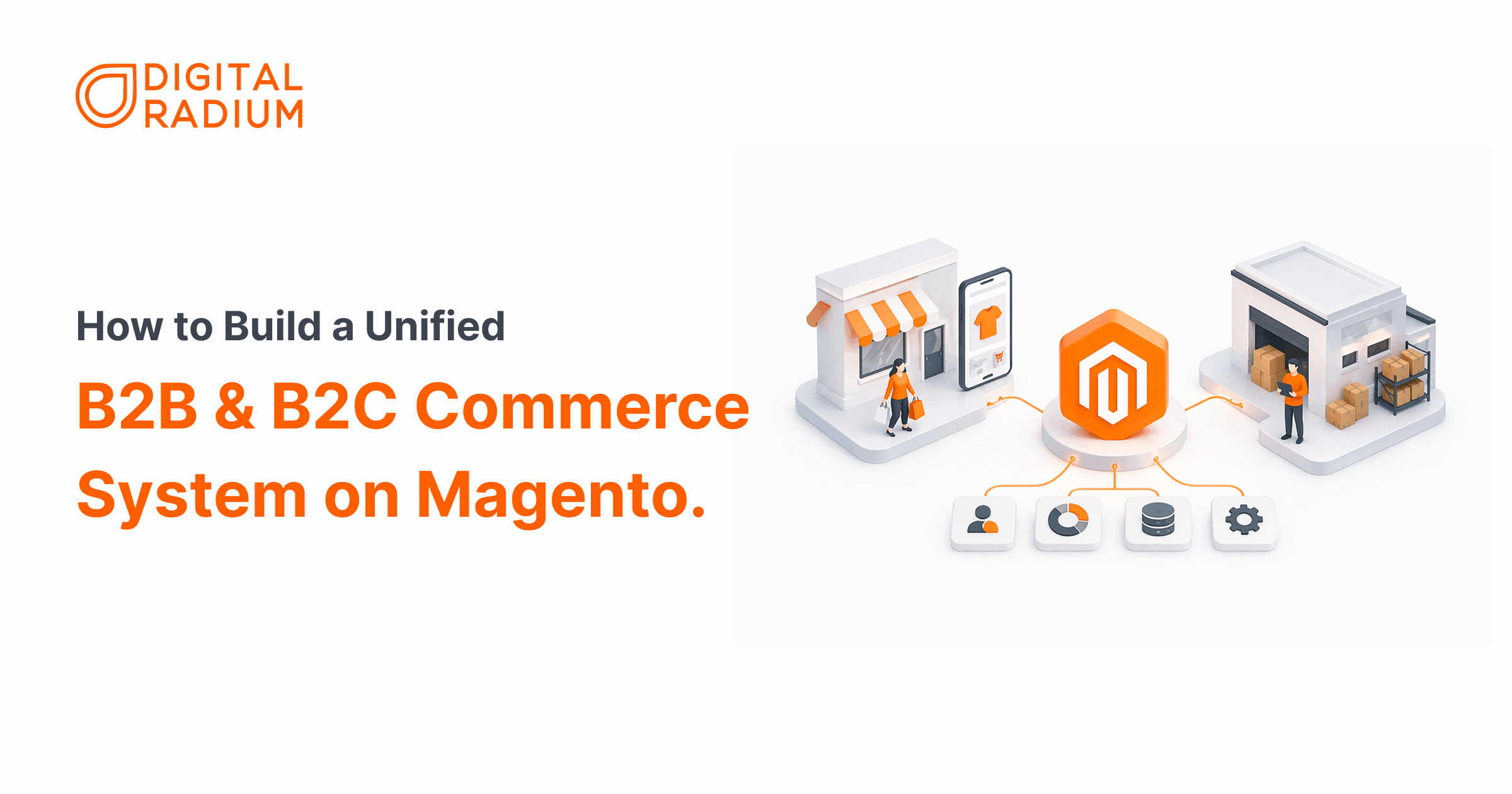
If you’re already running B2B and B2C operations on separate systems, you know the cost, manual reconciliation, pricing conflicts, and inventory that never quite adds up.
In this guide, we walk you through exactly how to consolidate both channels onto a single Magento unified commerce backend, the architecture decisions you need to make first, and what breaks at each stage so you can prevent it before your first live order hits the system.
What is unified commerce in Magento?
Magento unified commerce is an architectural approach where B2B and B2C operations share a single Adobe Commerce backend. Instead of running two separate platforms, you use Magento’s multi-storefront capabilities to serve tailored experiences to each audience, while maintaining one centralized source of truth for orders, customers, inventory, and pricing. The result is a hybrid ecommerce model that eliminates data silos and gives your team full visibility across both channels from a single admin.
How to Set Up Magento Unified Commerce for B2B and B2C
Once your pricing logic, inventory setup, and customer segmentation are clearly defined, the next step is execution.
1.Understand What You're Building
Think of your current setup: two separate platforms, two sets of inventory numbers, two places to update pricing. Unified commerce on Magento replaces that with one backend that powers both stores.
- Your retail customers visit your B2C store and see standard pricing, promotions, and a regular checkout.
- Your wholesale buyers visit your B2B portal and see their contracted pricing, their approved product list, and a checkout built for business orders.
Both experiences are driven by the same system, you manage everything from one place.
How It Works in Real-time
- For instance, when a buyer logs in, Magento reads their customer group, filters the product catalog to show only what they’re authorized to see, applies their contracted pricing, and routes them to the correct checkout flow, all automatically, in real time.
- Both your retail and wholesale channels run on the same backend, so every inventory update, order, and customer record is always in sync.
Unified Platform vs Separate Systems — What Actually Changes
| What You’re Managing | Unified Magento Platform | Separate Siloed Systems |
|---|---|---|
| Inventory | One backend, visible across both channels in real time | High risk of overselling — your B2C store can sell stock your B2B buyer is waiting on |
| Data Management | One record per customer, one source of truth for orders | Manual reconciliation every cycle, two systems that never fully agree |
| Customer Experience | Each buyer sees pricing and products specific to their account the moment they log in | Fragmented — a buyer who shops both B2C and B2B is treated as two audiences |
| Ongoing Maintenance | One platform to update, one integration to maintain, one vendor relationship to manage | Double the development cost and double the security exposure every update cycle |
2. Structure Your Magento Multi-Store for B2B and B2C
- Your first real decision is how to set up your two storefronts inside Magento. This controls how your pricing rules, tax settings, and product catalog are shared or separated between your B2C and B2B channels.
- For example, Think of it like choosing between two office layouts: a shared open floor with different desks (Store Views), or two separate offices on the same property (Websites). The right choice depends on how different your two businesses actually are.
| Your Situation | Right Choice | What It Means |
|---|---|---|
| Same currency, just a different look for B2B buyers | Store Views | Simpler to manage, faster performance, lower maintenance cost |
| Different currencies or different tax rules per channel | Separate Websites | Gives you full separation of pricing and tax logic between channels |
| Planning to expand to another country later | Separate Websites now | Switching your structure after launch means rewriting all your pricing rules — budget at least 3–5 developer days if you delay this decision. |
3. Control What Each Customer Type Sees
This is where you define the difference between your retail and wholesale experience. Magento customer group pricing lets you create separate customer categories, each with its own pricing tier, product visibility, and promotions.
For example, if you have a large catalog, when you add a new product and forget to include it in your B2B Shared Catalog, your wholesale buyers simply won’t see it. No error message, just an invisible product.
Build a simple checklist into your new product launch process: add to B2C store, add to B2B Shared Catalog, confirm it’s visible in both.
4. Set Up Magento B2B Features for Wholesale Buyer Workflows
Your B2B buyers work differently from your retail customers. They place large orders, need to reference internal purchase order numbers, and often need approval from their finance team before completing a purchase. Adobe Commerce B2B features are built specifically for this.
How to include it in your workflow,
- Quick Order by SKU — Lets your buyers paste a list of product codes and quantities rather than browsing your catalog
- Quote Requests (RFQ) — Your buyer requests a price for a large order, your sales team reviews and responds, the buyer approves and converts to an order.
- Company Accounts — one login for the whole business, with different users having different spending permissions
- Purchase Order Payment — lets your buyers pay on account with Net 30 or Net 60 terms instead of a credit card.
5. Connect Your Inventory and Back-Office Systems
The biggest operational risk in a unified setup is your two channels drawing from the same stock without proper rules in place. Without the right configuration, a retail flash sale can sell out products your wholesale buyers are waiting on, leading to cancellations and damaged relationships.
How to Separate Your Stock Per Channel
Magento’s inventory management system lets you assign different warehouses or stock locations to each channel. Here’s how to set it up:
- List your stock locations- Write down every warehouse or fulfilment location you operate. Each one will become a separate “stock source" inside Magento.
- Create a stock source for each location- In your Magento admin, add each warehouse as a named source — for example, “Warehouse A – Retail" and “Warehouse B – Wholesale." This tells Magento where physical stock actually lives.
- Assign each source to the right channel – Link your retail stock source to your B2C storefront and your wholesale stock source to your B2B portal.
- Set stock priority rules- If one warehouse runs low, you can tell Magento which backup source to draw from next, and whether that fallback applies to both channels or just one.
6. Set Up Checkout for Each Channel
Your retail and wholesale customers should reach completely different checkouts. Getting this right means neither channel sees options that aren’t meant for them.
How to onboard your existing wholesale accounts:
- Create a company account for each B2B buyer — they won’t migrate automatically.
- Assign each account to the correct customer group and Shared Catalog
- Send login credentials before launch, not on the day.
Run a test order with 2–3 key accounts to confirm their pricing, product list, and payment terms are displaying correctly.
7. Magento B2B and B2C Go-Live Checklist
Before you accept your first live order, run through these checks, as each one confirms that a specific part of your setup is working as intended.
- Confirm your wholesale buyers see the right prices — Log in as a B2B buyer, verify contracted pricing displays, and confirm no retail promotions are applying to their account
- Confirm your retail store has no B2B options visible — Check there is no “Add to Quote" button or “Pay by Purchase Order" option at checkout
- Place a test order on both channels — Complete a full purchase on each storefront and confirm orders appear in your backend, inventory updates, and your ERP receives both.
- Simulate a high-volume retail sale — Ask your developer to run rapid retail orders in your test environment and confirm stock held for a B2B quote is not sold
- Check a new product is visible in both stores — Add a test product, and confirm it appears correctly on both your retail store and B2B portal.
A Real Scenario: What Happens When You Get This Right
At this point, it’s easy to understand the setup, but the real difference shows up in how it works day to day.
We worked with MT Racing, a performance parts brand running both retail and wholesale. Their retail side was working fine, but wholesale was still handled manually. Dealers had no portal, no easy way to check their pricing, and no simple way to reorder.
Every bulk order started the same way:
A phone call → a manual quote → someone entering it into the system
It worked—but it was slow, error-prone, and hard to scale.
What We Changed
Instead of adding another system, we brought everything onto one Magento backend and focused on fixing how orders were actually placed.
- Dealers could place bulk orders using SKUs instead of browsing the catalog.
- Repeat orders became easy, no more rebuilding the same cart every week
- Pricing and product access were already set when they logged in.
- Wholesale workflows were built into the system instead of handled manually.
What Changed Their Day-to-Day
- Dealers no longer needed to call or wait for someone to process their orders.
- Orders became more consistent because they followed a structured flow.
- Mistakes were reduced because there was less manual entry.
- The team spent less time handling orders and more time on fulfillment.
- Inventory and pricing stayed aligned across both retail and wholesale.
Key takeaway:
We didn’t just connect B2B and B2C, we removed the manual steps that were slowing everything down.
Want to see how this was built in detail? Read our full MT Racing case study here.
Conclusion
A properly built Magento unified commerce setup doesn’t just fix your current operational headaches , it opens up growth that simply isn’t possible when your channels are disconnected.
With customer data unified, inventory centralized, and pricing logic running automatically, your team shifts from managing two fragmented systems to scaling one that works.
At Digital Radium, this is exactly the kind of build we specialize in. Our Magento development services are built around one goal, giving your B2B and B2C channels a single, stable foundation that your team can actually manage.
Whether you’re starting from scratch, migrating off a legacy system, or fixing a unified setup, we’ve built the architecture, configured the workflows, and solved the integration problems that this guide walks you through.
If you’re ready to build , or ready to fix what’s already broken, our Magento team is the place to start.
FAQ
How does Magento handle unified inventory?
In Adobe Commerce unified commerce, inventory is managed using Inventory Source Selection (ISS). It maps multiple warehouses into one system and routes orders based on stock and location. If sources aren’t configured correctly, your Magento B2B and B2C platform can oversell or route orders inefficiently.
What role does Magento App Builder play in unified commerce?
Adobe App Builder extends Magento unified commerce by enabling custom integrations without modifying core code. This keeps your Magento multi-store B2B B2C setup stable during updates. Without this approach, custom code can break with every security patch.
How does unified commerce impact SEO performance?
A unified B2B B2C ecommerce platform improves Core Web Vitals by syncing pricing, inventory, and content across channels. Inconsistent data causes delays and layout shifts, which hurt rankings. Magento unified commerce helps these to maintain a faster, more stable page performance.
Does unified commerce improve visibility in AI search results?
Yes. Adobe Commerce unified commerce ensures consistent product data (price, availability, schema) across channels. When your Magento B2B and B2C platform feeds accurate data, AI engines are more likely to trust and cite your content.
Magento vs Shopify Plus which one is for B2B unified commerce?
Adobe Commerce unified commerce is better for complex B2B workflows and multi-store setups. Shopify Plus is simpler but often requires multiple apps as complexity grows, making it harder to maintain a true Magento multi-store B2B B2C equivalent system.
Need technical assistance?
Schedule a 30-minute discovery session with our Magento architects.
FREE CONSULTATION