
The 24-Hour Warning Sign You Cannot Ignore
Your new Shopify store goes live on time. The homepage looks polished, your catalog is live, and orders begin coming in.
Then, within 24 hours:
- Product URLs begin returning 404 errors
- Variant products lose options or collapse into incorrect SKUs
- NetSuite stops receiving orders
- Inventory showing incorrect stock counts across warehouses
These are not random post-launch bugs. They are classic Magento-to-Shopify migration mistakes that occur when businesses assume migration is just a data-transfer work.
If your migration starts with CSV exports instead of system planning, problems begin before launch.
In this blog, we break down the most costly migration mistakes businesses discover too late, and how you can prevent them before they affect your overall operations.
Key Takeaways: Magento to Shopify Migration
- Product Data: Shopify enforces a 100-variant/3-option limit; catalogs exceeding this limit must be re-architected using Metafields or Combined Listings.
- SEO Continuity: You must manually export and map the Magento url_rewrite table to prevent 404 errors and ranking loss.
- Custom Logic: PHP modules are not portable. Use Shopify Functions and Checkout Extensibility to rebuild complex business rules.
- The “Order Gap": Use a Delta Migration strategy to reconcile orders placed during the 24–48 hour DNS cutover window.
- Inventory Mapping: Magento’s MSI tracks stock at the source level; every active source must map to a named Shopify Location before migration.
Magento vs. Shopify: Technical Compatibility at a Glance
Before diving into the mistakes, it is vital to understand the structural gap between these two platforms. This table serves as a quick audit tool for your migration planning
| System Component | Magento Capability | Shopify Native Limit | Migration Risk |
|---|---|---|---|
| Data Model | Flexible EAV Architecture | Standardized Schema | High |
| Product Variants | Unlimited combinations | 100 Variants per SKU | Critical |
| Product Options | Unlimited | 3 Options per SKU | Critical |
| URL Management | Internal URL Rewrite Table | 1-to-1 Redirect Manager | Critical |
| Logic Execution | Server-side PHP Modules | API Webhooks & Functions | High |
| Checkout Access | Fully Open Source | Shopify Plus / API Restricted | High |
Top Magento to Shopify Migration Mistakes (And How to Avoid Them)
1. Magento Product Data Migration Errors
Most Magento-to-Shopify product data migration issues don’t occur during import; they occur when Shopify interprets your product structure. When complex products exceed Shopify’s 3-option variant limits, excess combinations are dropped or simplified during migration.
What you’ll notice —
- Product counts match, but variant counts drop
- Missing options on product pages
- Orders with incorrect configurations
Business impact — Customers can’t buy what they came for, leading to refunds and immediate revenue loss.
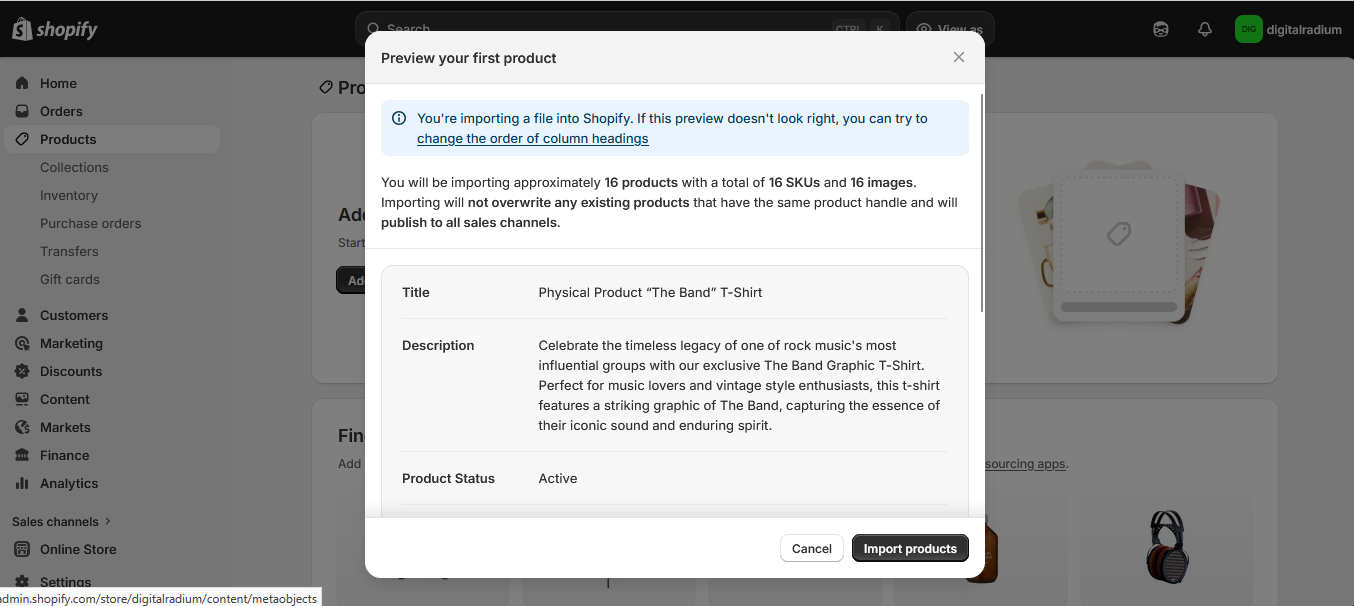
How to fix it — Export Magento product data with full attribute combinations, identify SKUs exceeding Shopify limits, and restructure them before migration, through Combined Listings like Shopify’s multi-SKU grouping feature, or Metafields for attribute storage, not just a re-export.
2. Ignoring Legacy URL Rewrite History
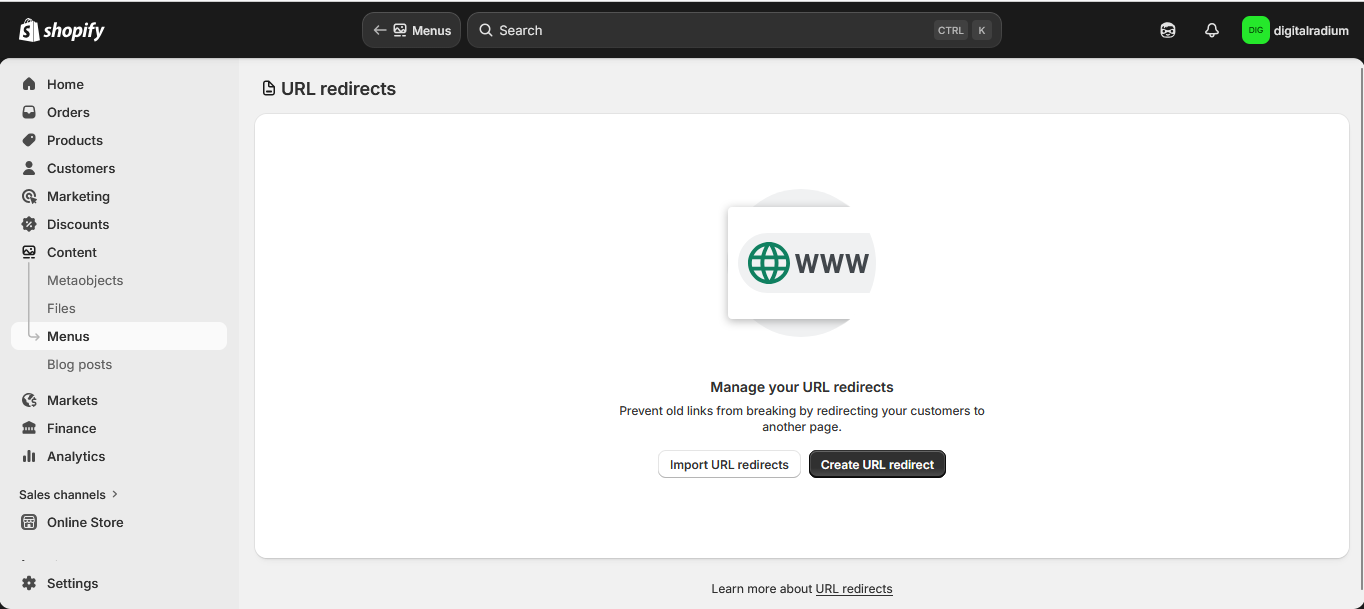
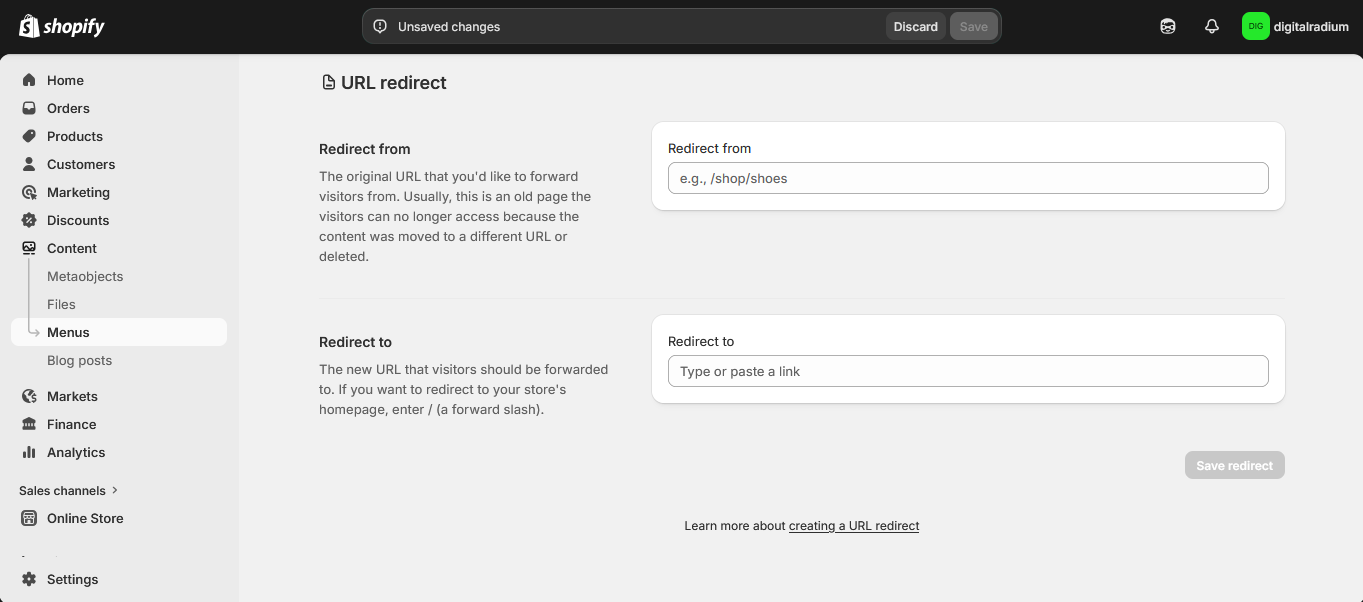
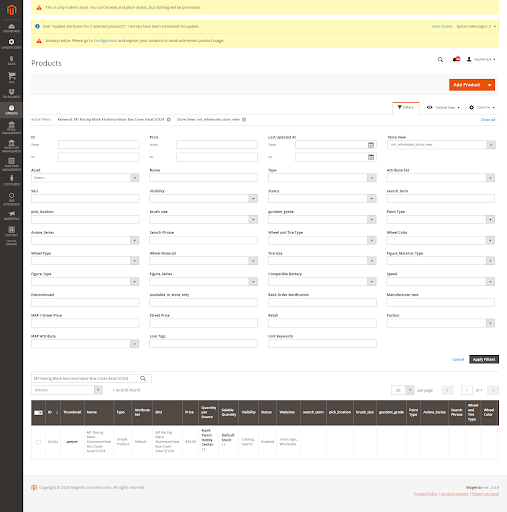
Many Magento-to-Shopify SEO migration issues stem from Magento stores having years of URL rewrite history, whereas Shopify only recognizes redirects you explicitly define. If this mapping is incomplete, users and search engines cannot reach your pages.
What you’ll notice —
- 404 errors on key pages
- Drop in indexed URLs
- Traffic loss from high-intent pages
Business impact — Organic visibility drops and users can’t find products.
How to fix it — The critical step is not to export every URL; it’s identifying which URLs carry traffic weight before you migrate.
For Instance, A page driving 500 monthly visits from a high-intent query is not equivalent to a page with 5.
Cross-check with indexed URLs in Search Console to avoid missing high-traffic pages.
3. Magento Custom Extension Migration to Shopify
Custom logic does not transfer directly. Magento executes logic through PHP modules, while Shopify distributes logic across Shopify Functions, APIs, and webhooks.
What you’ll notice —
- Discounts are not applying correctly
- Shipping rules failing in edge cases
- Promotions behaving inconsistently
Business impact — These issues lead to pricing errors, margin leakage, and inconsistent checkout experiences.
How to fix it — List all modules affecting pricing, shipping, and checkout. Define the rule each one enforces, rebuild using Shopify Functions first, and test edge cases before relying on apps.
Because complex B2B pricing or region-based tax overrides may have no direct native equivalent, identifying these before migration changes your timeline and budget.
4. Third-Party Integration Sync Failures
Many Magento-to-Shopify migration challenges don’t surface during testing; they emerge when operations begin in earnest. Magento uses internal event triggers, while Shopify relies on webhooks, meaning your ERP receives updates out of sequence or misses them entirely.
What you’ll notice —
- Orders missing in ERP systems
- Inventory not updating correctly
- Delayed fulfillment
Business impact — These failures result in delayed shipments, reconciliation issues, and manual operational fixes within days of launch.
How to fix it — Document your order, inventory, and fulfillment flows. Rebuild them in Shopify and test using bulk orders. Validate that all records sync correctly across systems under real conditions.
Let’s fix migration issues before they cost you orders.
No SKU chaos. No broken syncs. Just a smooth launch from Day 1.
5. Overlooking Checkout Rule Complexity
Checkout is where Shopify migration mistakes after Magento replatforming directly impact revenue. Magento allows deep customization, while Shopify uses a structured model with Checkout Extensibility. This means some checkout behaviors must be rebuilt differently, rather than copied.
What you’ll notice —
- Missing fields or validations
- Changes in checkout flow
- Increased friction during purchase
Business impact — Even small issues here can reduce conversion rates and increase cart abandonment.
How to fix it — Document your checkout rules (fields, validations, flows), map each to native Shopify or extensibility features, and test using real purchase scenarios.
6 . Prioritizing Data Transfer Over Business Continuity
One of the biggest mistakes in Magento-to-Shopify migrations is treating it as a data transfer rather than a business transition. Moving data does not guarantee that your operations will work after launch.
What you’ll notice —
- Orders are coming in, but not syncing
- Fulfillment delays
- Teams relying on manual fixes
Business impact — These gaps create significant revenue loss risks during Shopify migrations, even when the site appears live.
How to fix it — Validate your workflows before launch in this order:
- Orders and payments
- ERP and fulfillment sync
- Inventory accuracy and if any step fails, delay go-live.
7. Order Sync Gap During Migration
Orders placed just before your migration goes live are among the most common Magento-to-Shopify migration challenges. And this is what most migration teams call the Delta Migration window, the 24–48 hour period when Magento may still be capturing orders while Shopify and downstream systems are already taking over.
What you’ll notice —
- Missing or duplicate orders
- Payment mismatches
- Data inconsistencies between systems
Business impact — Direct revenue loss and finance reconciliation issues within the first few days after launch.
How to fix it — Define a clear go-live plan. Pause orders temporarily, run a final sync, or track and reconcile all orders placed during transition. Always verify order counts across systems before going live.
8. Inventory/Stock Status Mapping: Magento MSI to Shopify Locations
One of the most overlooked areas in Magento-to-Shopify migrations is how inventory is structured across multiple warehouses. Magento’s Multi-Source Inventory system is far more granular than Shopify’s Locations model, and failing to map this correctly causes overselling and inaccurate stock counts from Day 1.
What you’ll notice —
- Shopify sees the combined stock, not the warehouse reality.
- Wrong fulfillment location assigned to orders.
- Inventory counts are inaccurate across locations.
Business impact — 3PL and warehouse teams receive incorrect pick instructions, resulting in fulfillment delays and reconciliation issues immediately after the migration.
How To Fix It – Before migration, map every active Magento source to a named Shopify Location, then import inventory per warehouse, not as a single total to the default location.
If you have a multi-warehouse setup, use Shopify Flow to rebuild the fulfillment routing, and always run a test order from each region before going live to confirm the correct warehouse assignment.
Final Thoughts
Successful replatforming isn’t about how quickly you move data; it’s about whether your business continues to operate without disruption after launch.
The real risks don’t show up during migration. They show up when customers start interacting with your store, when product options don’t match, orders don’t sync, or checkout behaves differently than expected.
That’s why the focus should shift from “Did we migrate everything?” to “Will everything work on Day 1?”
If you’re planning a move, start by reviewing:
- Your product structure
- custom logic
- integration flows
- and your go-live plan
If you’re planning to switch from Magento to Shopify, this is how we support teams at Digital Radium: our Magento-to-Shopify migration services ensure your catalog, logic, and integrations are validated before going live.
FAQ
What is the biggest Magento to Shopify product data mistake?
If your products have more than 3 options or 100 variants, Shopify will drop or simplify them. Before migrating, review your top SKUs and decide whether to split products or reduce attributes. Otherwise, you’ll lose sellable combinations without realizing it.
How do I prevent SEO traffic loss during migration?
If old URLs aren’t mapped, they will break after launch. Export Magento’s url_rewrite data, map key URLs to their Shopify equivalents, and verify them in Search Console. Prioritize pages that already drive traffic; those are the ones you can’t afford to lose.
We have multiple warehouses in Magento. Can I carry my stock data directly to Shopify?
Not automatically. Each Magento warehouse must be mapped to a named Shopify Location before migration; otherwise, all stock is merged into a default location, causing overselling and incorrect fulfillment routing.
How do you handle custom Magento modules in Shopify?
We first map what your module controls, pricing, shipping, or checkout, and then rebuild it using Shopify Functions or Checkout Extensibility. If this isn’t done correctly, issues won’t show during setup but will break in real scenarios. 30%.
What is the “48-hour order gap” during migration?
Orders placed just before go-live may not sync properly. Decide in advance how you’ll handle the pause orders, run a final sync, or reconcile manually. If you don’t plan this, you’ll see missing or duplicate orders after launch.
Need technical assistance?
Schedule a 30-minute discovery session with our Magento architects.
FREE CONSULTATION