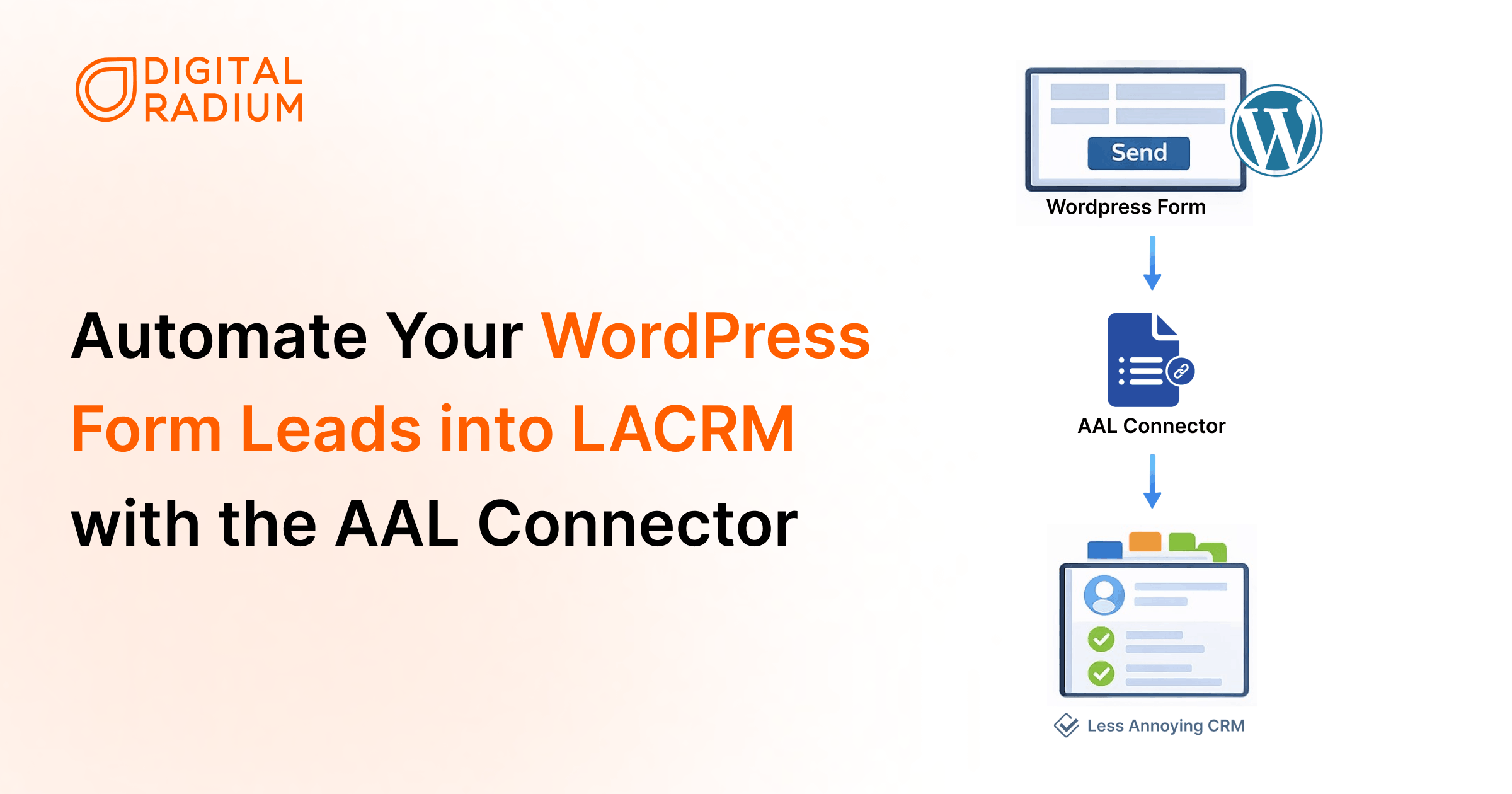
When a visitor completes a form on your WordPress website, the resulting enquiry often requires manual processing. This typically involves opening the submission email, copying the contact details, and manually creating a new record in your CRM.
While this takes only a minute per entry, it creates a repetitive administrative burden as your lead volume grows. For teams using LACRM, this manual data transfer keeps your website enquiries and your customer records in separate, disconnected systems. LACRM WordPress integration removes this gap by syncing website leads directly into your CRM.
The Problem: Manual Data Entry and Disconnected Systems
WordPress forms are designed to collect data, while your CRM is designed to manage it. Without a direct connection:
- Enquiries stay in WordPress: Lead data remains siloed in your website database or email inbox.
- Manual Entry is Required: You must manually move data to LACRM to track conversations or manage pipelines.
- Data Fragmentation: Your customer records are not updated in real time, leading to potential delays in follow-ups.
The Solution: The AAL Connector for LACRM
The AAL Connector for LACRM connects your WordPress site to LACRM in minutes. This WordPress plugin for Less Annoying CRM automates the transfer of form submissions directly into the CRM, ensuring your contact records are updated instantly.
With the AAL Connector, you can:
- Eliminate manual “copy and paste" data entry.
- Automatically create or update contact records upon form submission.
- Integrate directly with popular plugins like Contact Form 7 and Gravity Forms.
How Your Data Flows
The AAL Connector runs quietly in the background, moving information from your website to your CRM in real time.
The process follows four simple steps:
- The visitor submits a form on your WordPress site.
- AAL Connector captures the data instantly.
- Information is sent to Less Annoying CRM via a secure connection.
- A contact is automatically created or updated in your CRM.
How to Get Started with the AAL Connector for LACRM
Setting up the connection shouldn’t be more work than the manual entry you’re trying to replace.
1. Connect Your LACRM Account
Once you’ve installed and activated the plugin, navigate to the AAL Connector settings in your WordPress dashboard. You’ll just need two pieces of information from your LACRM account:
- Your User Code
- Your API Token
Simply paste these into the plugin settings to create a secure, direct link between your website and your CRM.
2. Choose Your Form Plugin
The AAL Connector is built to play nice with the tools you already use. Whether you are using Contact Form 7, Gravity Forms, or another popular form builder, the plugin automatically detects your active forms.
3. Map Your Fields
This is where the magic happens. You don’t need to write a single line of code. Using the visual mapper, you simply tell the plugin which form field matches which CRM field:
- “Your Name" on the form → “Full Name"
- “Email Address" on the form → “Email"
- “Project Details" on the form → “Background Info".
4. Automatic Lead Tagging
To help your team stay organised, you can set a default Lead Source or Status for every submission.
For example, you can automatically tag every submission as “Website Lead" or “New Inquiry," ensuring they appear in the correct pipeline inside Less Annoying CRM immediately.
Why Use the AAL Connector?
There are several ways to move data between platforms, but the AAL Connector provides a simple and cost-effective alternative to generic middleware.
- Built Specifically for LACRM: Unlike “one-size-fits-all" tools, this Less Annoying CRM WordPress plugin is designed to work directly with the LACRM API, ensuring a more stable and focused connection.
- Quick Setup: Simply connect your LACRM account, select your form, and match your fields using our visual mapper. Most users are up and running in under ten minutes.
- Broad Compatibility: It supports the most widely used WordPress form builders, including Contact Form 7 and Gravity Forms.
- Built directly on the LACRM API: The AAL Connector leverages the LACRM API, providing a more focused, stable, and reliable connection for your business.
- No Third-Party Middleware Required: No third-party subscriptions are required, just a clean, reliable connection that works quietly in the background
How the AAL Connector Optimizes Your Daily Workflow
The AAL Connector adapts to your specific workflow, transforming standard website interactions into organised, actionable CRM records.
- General Inquiries: When a potential client fills out a “Contact Us" form, the connector instantly creates a contact record in LACRM and tags the lead source as “Website", so your sales team knows exactly where it came from and can follow up straight away.
- Detailed Quote Requests: For project estimates, you can map specific fields, like “Industry" or “Requested Service", directly to the contact’s background info.
- Lead Magnets & Downloads: Email addresses captured from PDF guides or whitepapers are automatically added to LACRM and can be set to “Prospect" status, ready for follow-up without any extra steps.
- Consultation Requests: Every appointment request is logged in LACRM the moment it is submitted, keeping a centralised record of all consultation history and ensuring nothing is lost in a busy inbox.
Who Benefits Most from This Integration?
This integration is built for teams that want to stop managing data and start managing customer relationships.
- Small Business Owners: Automate lead capture without custom code.
- Sales Teams: Receive instant lead notifications within LACRM.
- Service Providers: Sync consultation requests directly to your workflow.
- Marketing Agencies: Ensure every client lead is synced automatically.
Conclusion: The Invisible Extension of Your Team
If you are tired of missed inquiries or a team bogged down by manual administration, the AAL Connector for LACRM was built for you.
This integration delivers the one thing leadership needs: Certainty. You gain the confidence that every lead is captured, every record is accurate, and every opportunity is in front of your sales team in real-time.
Stop managing data and start managing growth.
Ready to connect your WordPress site to Less Annoying CRM? Find the AAL Connector for LACRM on the WordPress plugin directory to get started today.
FAQ
Do I need coding knowledge to use the AAL Connector?
No. The AAL Connector works directly within the WordPress environment. Once the Less Annoying CRM WordPress plugin is installed, you can connect your forms and configure how submissions are sent to the CRM without writing any code. For a broader overview of connecting the two platforms, see our guide on integrating LACRM with WordPress.
Can I sync WooCommerce customers to Less Annoying CRM?
Yes. If your WooCommerce checkout or registration uses Gravity Forms, the AAL Connector will automatically send your customer details straight to LACRM. It also checks your existing contacts using the email address. If a match is found, it updates your record rather than creating a duplicate.
How does the plugin handle existing contacts?
The connector checks for an existing contact using the email address. If a match is found, it updates the existing record and adds a note. If no match exists, a new contact is created.
Is my data secure when it's sent to LACRM?
Yes. The AAL Connector sends data directly to Less Annoying CRM via their official API using a secure, encrypted connection, so your contact data never passes through any third-party servers.
Can I test the connection before it goes live?
Yes. Before enabling syncing on a live form, you can test the connection in the plugin settings to ensure your field mapping is working correctly and that data is landing in LACRM as expected.