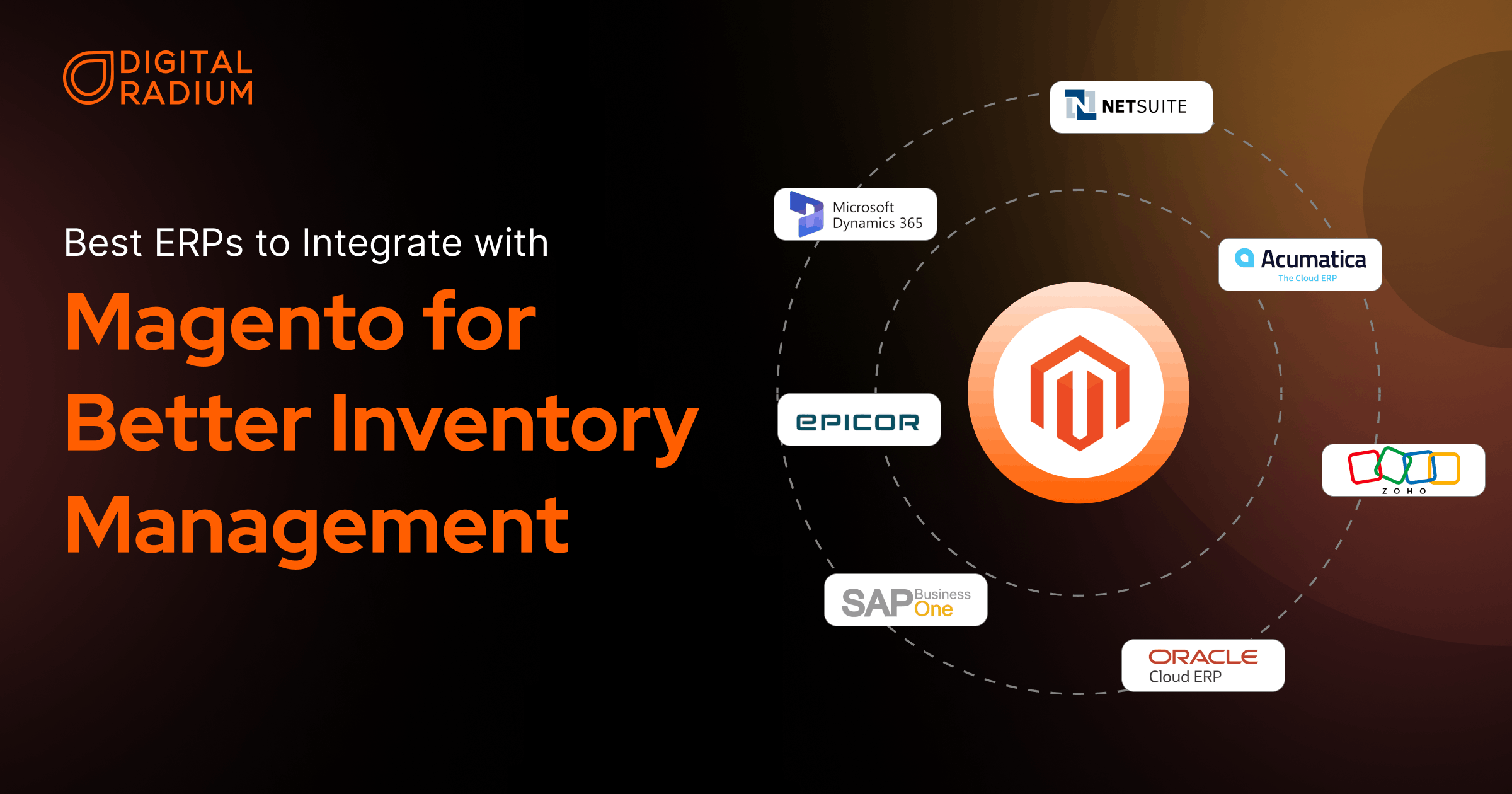
If you run a Magento store at any meaningful scale, inventory issues tend to surface sooner or later. Stock counts drift, order states don’t always line up, and teams start relying on manual checks just to stay confident that things are correct.
That’s usually when you start to search for the best ERPs to integrate with Magento, not as a feature upgrade, but as a way to bring stability back into day-to-day operations.
Most ERP platforms claim to integrate with Magento, but once things go live, the differences become apparent. You may have already encountered issues such as inventory not aligning, orders behaving inconsistently, or manual checks. These problems usually come down to how each ERP handles data ownership, synchronization, and error handling behind the scenes.
This guide breaks down which ERP systems work well with Magento inventory, what typically breaks during ERP integrations, and how to choose an ERP that fits your business’s operational realities.
Why Integrate Magento With an ERP?
Magento manages the storefront, while an ERP manages operations. Integrating the two allows you to:
- Inventory visibility: Stock levels stay consistent across systems instead of drifting over time.
- Order flow control: Orders move through defined states instead of being manually adjusted
- Reduced manual work: Fewer exports, reconciliations, and spreadsheet fixes.
- Better operational clarity: Teams can trace issues to their source.
What Breaks When Magento and ERP Inventory Are Not Properly Integrated?
Here are the areas that tend to make the most significant difference when choosing the right ERP for your Magento store:
- Inventory ownership: You need clarity on whether Magento or the ERP is the source of truth, and how conflicts are resolved when stock levels don’t match.
- Sync behavior: With ERP–Magento integration, updates may happen in real time or in batches. Understanding this early helps you avoid delays as order volume grows.
- Sync behavior: With ERP–Magento integration, updates may happen in real time or in batches. Understanding this early helps you avoid delays as order volume grows.
- Scalability of workflows: As your catalog, warehouses, and rules expand, your setup should scale without constant manual fixes or custom patches.
- Error visibility: When something goes wrong, you need to see it. Magento and ERP systems that surface sync failures clearly make it easier to fix issues before they affect fulfillment or reporting.
Which ERPs Work Best With Magento Inventory in Real-World Use?
1. NetSuite — Centralized Inventory Control for Magento Stores
NetSuite is one of the most common choices when businesses look for the best ERPs to integrate with Magento, especially as order volume and operational complexity increase. It typically acts as the system of record for inventory, orders, and finance.
Key capabilities include:
- Centralized, multi-location inventory management
- Strong accounting and financial controls
- Support for high transaction volumes
- Mature ecosystem of integration tools
ERP integration with Magento works best when ownership rules and sync logic are clearly defined upfront.
2. Microsoft Dynamics 365 — Structured Inventory and Order Governance
Dynamics 365 is often chosen by organizations already invested in Microsoft’s ecosystem. It provides structured workflows and strong financial oversight.
Key capabilities include:
- Role-based access and workflow control
- Deep reporting and analytics
- Tight integration with Microsoft tools
- Enterprise-grade reliability
When used with Magento, Dynamics usually acts as the source of truth for orders and inventory, requiring thoughtful integration design.
3.SAP Business One — Predictable Magento Inventory Workflows
SAP Business One is widely used by small and mid-sized businesses that need structured finance and inventory management.
Key capabilities include:
- Centralized inventory and accounting
- Real-time reporting and dashboards
- Broad third-party extension support
- Magento connector availability
ERP integration with Magento works well when data ownership and synchronization rules are clearly defined early.
4.Oracle ERP — Enterprise-Grade Magento Inventory Management
Oracle ERP is designed for larger organizations with complex compliance, financial, and operational requirements.
Key capabilities include:
- Multi-entity and multi-currency support
- Strong financial, procurement, and risk controls
- Scalable cloud infrastructure.
Magento integration typically requires more configuration and is best suited for mature teams with established processes
5. Epicor — Advanced Inventory Logic for Complex Magento Fulfillment
Epicor is commonly used in distribution-heavy or manufacturing-focused businesses where inventory logic is more advanced.
Key capabilities include:
- Detailed warehouse and inventory management
- Support for complex fulfillment workflows
- Strong supply-chain focus.
ERP integration with Magento often involves deeper configuration to align operational logic across systems.
6. Zoho ERP — Cost-Effective ERP for Growing Magento Operations
Zoho ERP is popular among small to mid-sized teams seeking structured inventory control without enterprise-level cost or complexity. It is commonly implemented using Zoho Inventory and Zoho Books within the Zoho ecosystem.
Key capabilities include:
- Centralized inventory tracking across channels
- Basic multi-warehouse support
- Integrated accounting through Zoho Books
- API access for Magento integration
In Magento ERP integration setups, Zoho performs well when inventory ownership rules are clearly defined and synchronization logic is kept simple.
And, Curious how Zoho is used beyond inventory management? Our guide on Zoho ERP workflows for growing businesses walks through how growing teams actually use it in their day-to-day operations.
7.Acumatica — Flexible ERP for Growing Magento Operations
Acumatica is popular among growing teams that want flexibility without rigid licensing. It supports evolving workflows as operations scale.
Key capabilities include:
- Cloud-native and API-friendly architecture
- Strong inventory and distribution features
- Multi-warehouse support
- Customizable automation
In Magento ERP integration setups, Acumatica performs well when sync logic and exception handling are carefully designed.
How to Prepare Your Magento Store for ERP Integration
Once you’ve shortlisted the best ERPs to integrate with Magento, the next step is preparing your setup so the integration actually works in practice.
1. Understand how your data flows today
Before connecting Magento with ERP systems, take time to map how your data is structured, product types, attributes, pricing logic, and inventory rules. This helps define how your Magento ERP inventory should sync and prevents conflicts once systems are connected.
2. Define how orders should be managed
You’ll need clear rules for how orders move between Magento and your ERP. Decide when inventory updates happen, how cancellations or partial shipments are handled, and which system owns each step. These decisions directly affect stability as order volume increases.
3. Use automation with intent
Most ERP platforms support automation, including picklist creation, status updates, and stock adjustments. Used correctly, automation reduces manual effort and improves accuracy. Used without clear logic, it can amplify errors. When planning ERP–Magento integration, automation should support your workflows, not replace them.
Conclusion
At this stage, the question isn’t whether you need an ERP alongside Magento; it’s whether the system you choose actually matches how your operations behave in practice. The key takeaway is that your ERP integration success depends less on the platform name and more on how you define clear ownership, synchronization rules, and edge cases upfront.
And, if you’re currently evaluating ERP options or rethinking your existing Magento setup, at Digital Radium, with our Magento development services, we help you make those foundational decisions early by designing integrations that continue to work as scale and complexity increase.
FAQ
Do I need middleware for Magento ERP integration?
Often yes. Middleware helps manage retries, transformations, and visibility, especially when you are syncing inventory and orders across systems.
What should I decide before starting an ERP integration?
You should define system ownership, sync timing, failure handling, and how exceptions are resolved before choosing tools or connectors.
How long does a Magento ERP integration usually take?
Timelines vary widely. Simple setups can take weeks, while complex workflows with multiple systems may take several months, depending on data quality and requirements.
Is ERP integration worth it for mid-sized Magento stores?
Yes, if your operations involve multiple warehouses, growing order volume, or accounting complexity. The value comes from control and consistency, not just automation.
How does ERP integration with Magento actually improve ROI?
It reduces manual work, prevents inventory errors, and shortens order processing time. Over time, this lowers operational costs and allows teams to handle higher volumes without adding headcount.